


How to Increase Video Card Memory Using RAM?

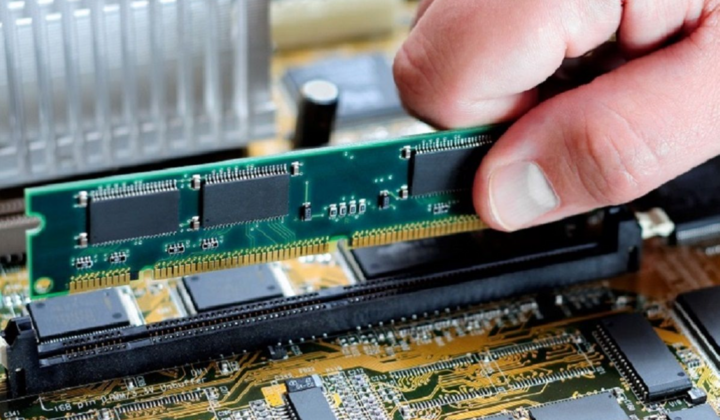
With the development of modern gaming and graphic applications, the demands for graphics memory on video cards are increasing. However, it's not always possible to purchase a new video card with a larger memory capacity https://click.ua/ru/shop/videokartyi. In this article, we will explore innovative approaches to increasing video card memory by using RAM.
Using Virtual Memory
One way to increase video card memory is to use the computer's virtual memory. Virtual memory allows part of the computer's RAM to be used as an additional reservoir for storing graphic data. This approach makes it possible to increase the available memory of the video card without the need to physically expand its memory. Usually, operating systems automatically manage virtual memory, but some video card drivers may also have their own mechanisms for using virtual memory.
Using CUDA and OpenCL Technologies
CUDA and OpenCL technologies allow the graphics processor to be used for computing tasks that were previously performed only by the central processor. This includes using the computer's RAM to store intermediate data during the computation of graphic effects. Using these technologies allows for more efficient utilization of video card memory. CUDA by NVIDIA and OpenCL by the Khronos Group open up wide opportunities for software developers to utilize the video card for other tasks as well. OpenCL has open code and is suitable for various video cards.
Creating Virtual Video Memory
Some applications and drivers provide the capability to create virtual video memory that is physically not present on the video card. This virtual memory can be created on a hard drive or SSD, or in the computer's RAM. This approach allows for an increase in the available memory capacity of the video card by using other computer resources. This method is typically used in cases where the video card has a limited amount of built-in memory, but the computer's RAM is quite large.
Using HyperMemory and TurboCache Technologies
Some video cards support HyperMemory technology (for AMD video cards) and TurboCache (for NVIDIA video cards), which allow the computer's RAM to be used as an additional buffer for storing graphic data. These technologies increase the available memory of the video card at the expense of RAM, which can significantly enhance performance in graphic applications. TurboCache is used by NVIDIA for their video cards, while HyperMemory is employed by AMD. These technologies are utilized in video cards with a limited amount of built-in memory to boost their performance.
Optimizing Memory Usage
Optimizing memory usage is a key aspect of increasing its capacity at the expense of RAM. This includes utilizing data compression, minimizing unnecessary computations, and efficiently managing resources. Some software solutions and drivers can automatically optimize memory usage in real-time, allowing for maximum performance in graphic applications. This includes methods such as pre-loading data into memory, optimizing resource allocation, and managing cached memory. Optimizing memory usage enables greater performance in graphic applications by more effectively utilizing available resources.
Conclusion
Increasing video card memory using RAM opens new possibilities for enhancing the performance and quality of graphic applications. Innovative approaches, such as utilizing virtual memory, CUDA and OpenCL technologies, creating virtual video memory, and optimizing memory usage, make it possible to maximize the resources of the available system and enhance its performance.