

Monitor 60 Hz: how to choose and what to pay attention to?

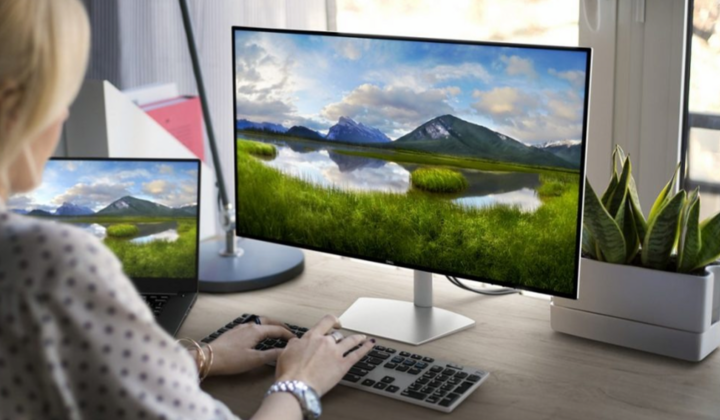
A monitor is quite an important device for home, office, or work. On the modern market, you can find various models: such variety provides many possibilities but can also be confusing.
To choose a good 60 Hz monitor, you need to consider just a few criteria. Overall, selecting a monitor is an important task for any user, whether they are an office worker or a gamer.
It is worth noting the growing demand for monitors with high refresh rates, which is why models with a refresh rate of 60 Hz remain relevant. They are suitable for work, watching movies, and performing everyday tasks.
Advantages of 60 Hz monitors
It is hard to find a monitor that is less versatile than one with a refresh rate of 60 Hz. First and foremost, this designation was given to monitors due to their refresh rate. Simply put, the screen refreshes 60 times per second, providing a smooth and dynamic picture. This refresh rate is more than enough to make the image bright and 'juicy'.
When it comes to the main advantages of this refresh rate, it is necessary to highlight:
- Such monitors are maximally affordable.
- These monitors are supported by almost all graphics cards, even budget models, which is important for office computers and home systems.
- The monitor is suitable for various purposes, even for studying when you need to work with multiple programs and documents.
For standard tasks, a refresh rate of 60 Hz is optimal and does not require significant graphics card resources.
How to choose a good 60 Hz monitor?
The versatility of a 60 Hz monitor makes it more than just popular. It is a profitable investment that pays off in the first year. When talking about the criteria for choosing a monitor, it is necessary to highlight:
- Screen diagonal and resolution. For office tasks and everyday use, it is better to choose a diagonal from 21 to 27 inches. As for the resolution, Full HD (1920x1080) is the most popular resolution for 60 Hz monitors. Meanwhile, 2K (2560x1440) is the best solution for professional graphic work or video editing, while 4K (3840x2160) may be too 'complex' for most users on monitors with a diagonal of up to 27 inches, but such a resolution is suitable for professional designers.
- Matrix. In this case, there is also a choice. There is the IPS (In-Plane Switching) option with adjustable viewing angles, VA (Vertical Alignment), which emphasizes contrast, or TN (Twisted Nematic) - the most budget option.
- Eye protection. In this case, there are also different options (often Flicker-Free or Low Blue Light).
- Ports.
It is also worth considering additional features. Talking about built-in buttons, speakers, stands, and mounts.
When discussing the best models of 2024, notable options include Dell S2722QC, LG 27UP850N-W, or Samsung Smart M7 M70D UHD. New models are constantly appearing on the market that, in addition to quality, can surprise with their price. After all, this balance between cost and image quality can be an excellent description for 60 Hz monitors.