

Five Categories of Bloatware on Android You Should Remove Right Now

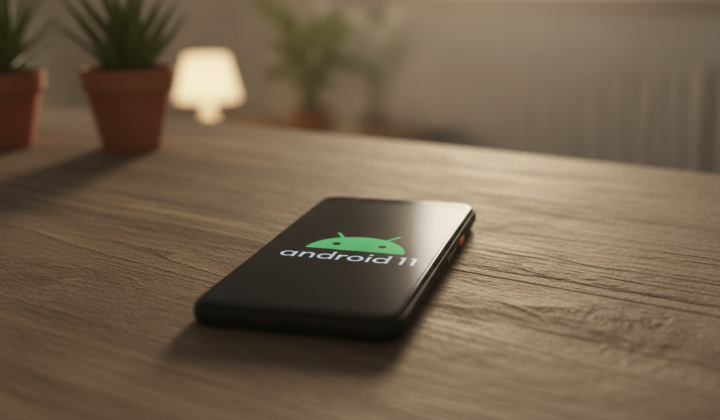
Pre-Installed Apps on Android: What to Keep and What to Delete
According to ХВИЛЯ: Android smartphones often come loaded with pre-installed applications from manufacturers and mobile carriers that users can either delete or disable. According to BGR, these apps fall into five main groups, and many of them take up valuable storage space without offering essential functionality.
- Carrier apps: These are tools provided by mobile network operators, typically tied to account management or service usage.
- Manufacturer-branded apps: Examples include Samsung Wallet, Motorola Notifications, and Google TV-useful for some, but unnecessary for many users.
- Duplicate system tools: These are clones of built-in apps, such as a second calendar, browser, file manager, or notes app (often from brands like Samsung).
- Third-party pre-installs: Popular services like Facebook, Instagram, and Netflix are frequently added by default. While widely used, they can consume significant storage.
- Antivirus and optimization tools: Apps like McAfee, Norton, Avast, along with memory cleaners and boosters, are often redundant since Android already includes Google Play Protect for security.
How to Remove These Apps
Deleting unwanted apps is straightforward: go to Settings, select Apps, find the app you want to remove, and tap Uninstall. If the Uninstall option is missing, you can disable the app instead. Earlier, the publication Khvylia noted that some Samsung smartphone owners mistakenly delete an app they shouldn't, and also shared tips on freeing up storage without third-party tools.
It's important to recognize that pre-installed apps can affect both storage capacity and overall device performance. Users should be cautious when removing or disabling applications, as some are critical for the phone's operation. Knowing which apps are safe to delete and which should remain helps optimize your smartphone's efficiency and ensure smooth usage.
In addition to removing unwanted pre-installed apps, it's crucial to explore other effective methods for optimizing your device's storage. Recent insights reveal hidden techniques for cleaning up storage on both Android and iPhone, which can significantly enhance your device's performance. Understanding these strategies can help you maintain a smoother, more efficient smartphone experience.

Read also