

Viber fills up smartphone memory: how to clear cache without losing data


According to hvylya.net: Viber gradually fills up smartphone memory, forcing users to delete photos or entire conversations. However, there is a more effective method for freeing up space - clearing the messenger's cache without losing personal data.
The cache consists of temporary files that do not contain your messages or media files but take up a significant amount of device memory.
Procedure for iPhone:
- Go to the device's 'Settings' section
- Find the Viber app in the list
- Select 'Memory and Data'
- Click 'Clear Cache'
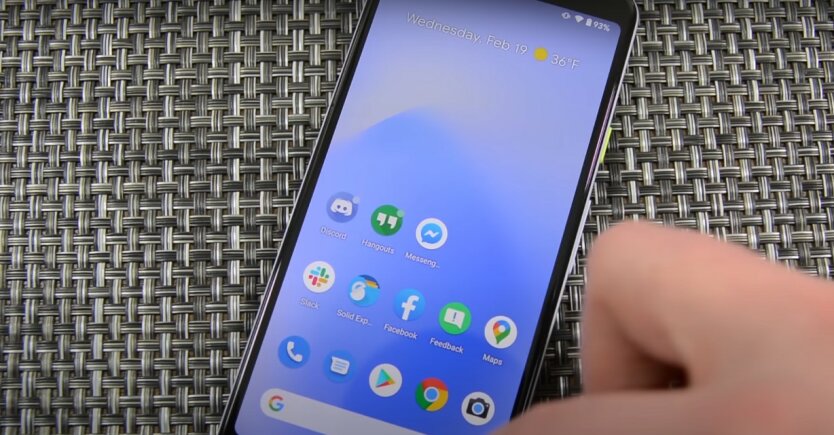
Algorithm for Android:
- Launch the Viber app
- Open the menu via three horizontal lines
- Go to 'Settings' -> 'Data Storage and Cache'
- Delete unnecessary files
The operation does not affect saved chats or contacts. Users are recommended to additionally save important photos directly to the device.
Creating a backup before clearing:
To guarantee the preservation of correspondence, you must activate the backup function through the 'Settings' -> 'Messages and Calls' -> 'Message Backup' section.
After completing the procedure, the messenger works faster, free device memory increases, and personal data remains untouched.
Clearing the Viber cache can be an effective way to free up space on your smartphone without losing personal data. By following simple steps for iPhone or Android, users can improve the app's performance and save important data by activating backup before clearing.

Read also