

Can't Connect Your Smartphone to a TV via Bluetooth? Here's What to Do

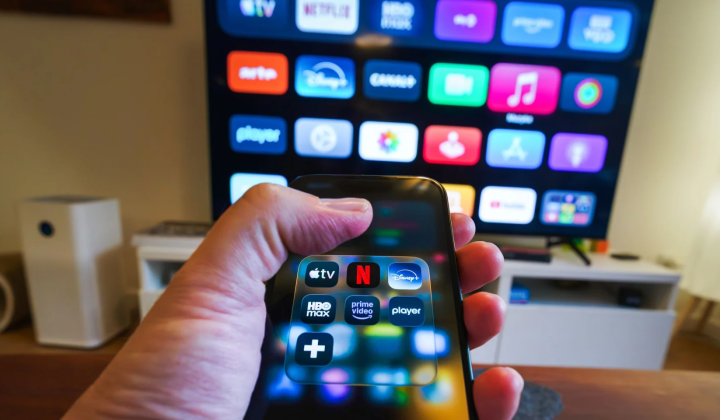
Using Bluetooth to Link Phones and Televisions
According to НВ — Техно: Modern devices make it possible to connect smartphones to TVs, unlocking fresh ways to enjoy content. Bluetooth is a common method for this, but not all television models support it, and there is no universal location for Bluetooth settings across brands. While the theoretical range of Bluetooth reaches up to 10 meters, walls and other electronics can reduce that distance. Wi-Fi routers, microwave ovens, and nearby Bluetooth gadgets all operate on the 2.4 GHz frequency, which can cause additional interference.
How to Connect and Troubleshoot Issues
It is crucial to understand that Bluetooth cannot transmit your phone's screen image to the TV. Its bandwidth is insufficient for real-time video streaming. For screen mirroring, you need to rely on Wi-Fi. Most Android smartphones come with features like Cast, Smart View, Screen Mirroring, or Wireless Projection, which let you send video from your phone to the television. When using Chromecast or a TV that supports Chromecast, look for the cast icon within the app you are using.
Connecting a smartphone to a TV via Bluetooth can be done in a few straightforward steps:
- Put your television into pairing mode.
- Enable Bluetooth on your phone and locate the TV in the list of available devices.
- Connect to the television and verify the audio output.
- Test the connection to ensure it works.
If you run into problems, such as an unreliable connection or the TV not appearing in your device list, first confirm that the television is actually in pairing mode. Restarting both devices can resolve many technical glitches. If the devices see each other but fail to connect, try "forgetting" the television in your phone's Bluetooth settings. Crackling or interrupted audio may point to interference. Remember that Bluetooth cannot transmit video; for those who want to see content on a larger screen, alternative methods exist. The simplest and most reliable option for sending video is using a USB-C to HDMI cable.
Linking smartphones to televisions via Bluetooth offers a convenient way to listen to music or audio from videos, but its inability to handle video makes it less versatile for full content viewing. For complete screen mirroring, Wi-Fi is recommended, as it avoids image quality issues and delays. As technology continues to evolve, the ways devices connect may change, so staying updated on developments in this area is worthwhile.

Read also